Focus on today, plan for tomorrow.
Introducing Today Notes. A new way to keep your notes organized in iOS and macOS.
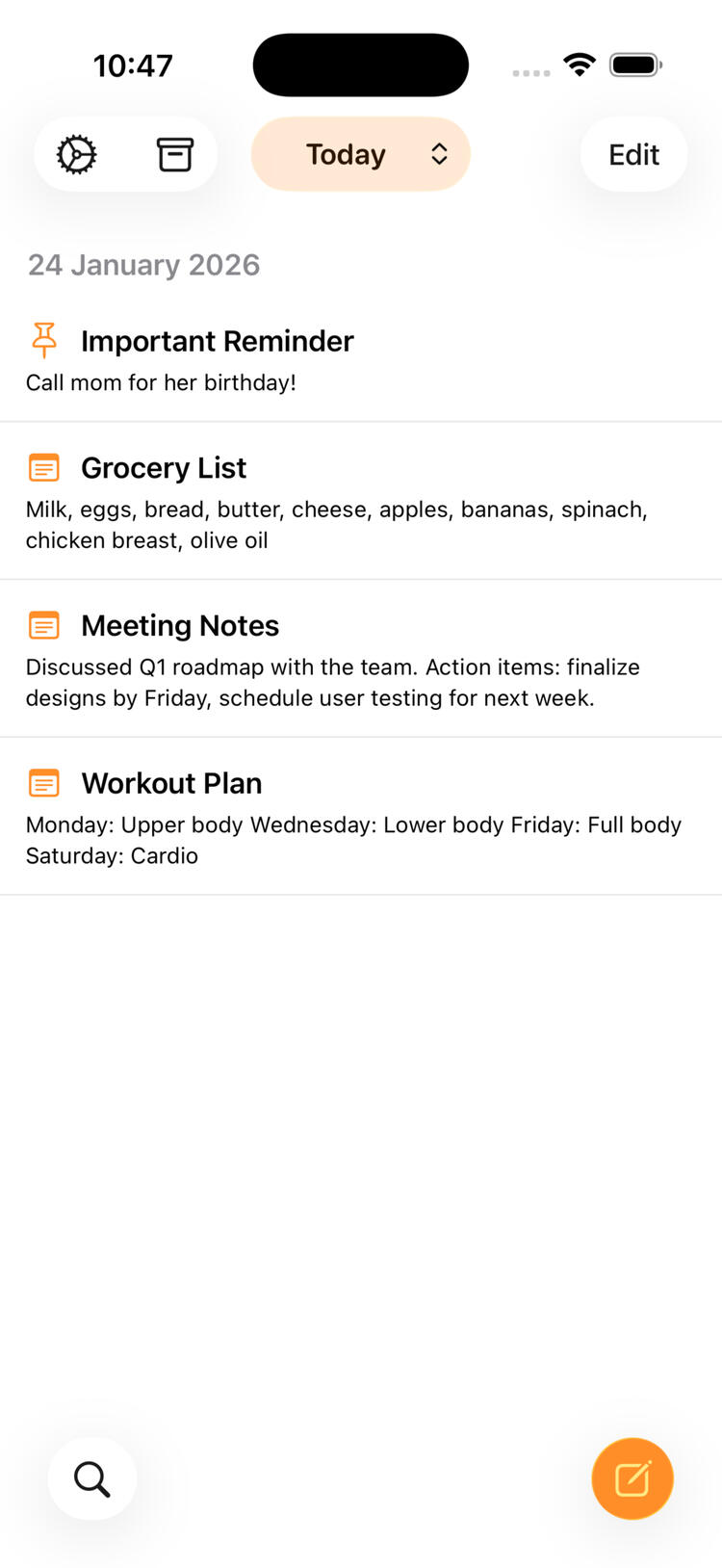
Focus Today
Today stays front and center. Everything that matters now is easy to see and act on.
Plan Tomorrow
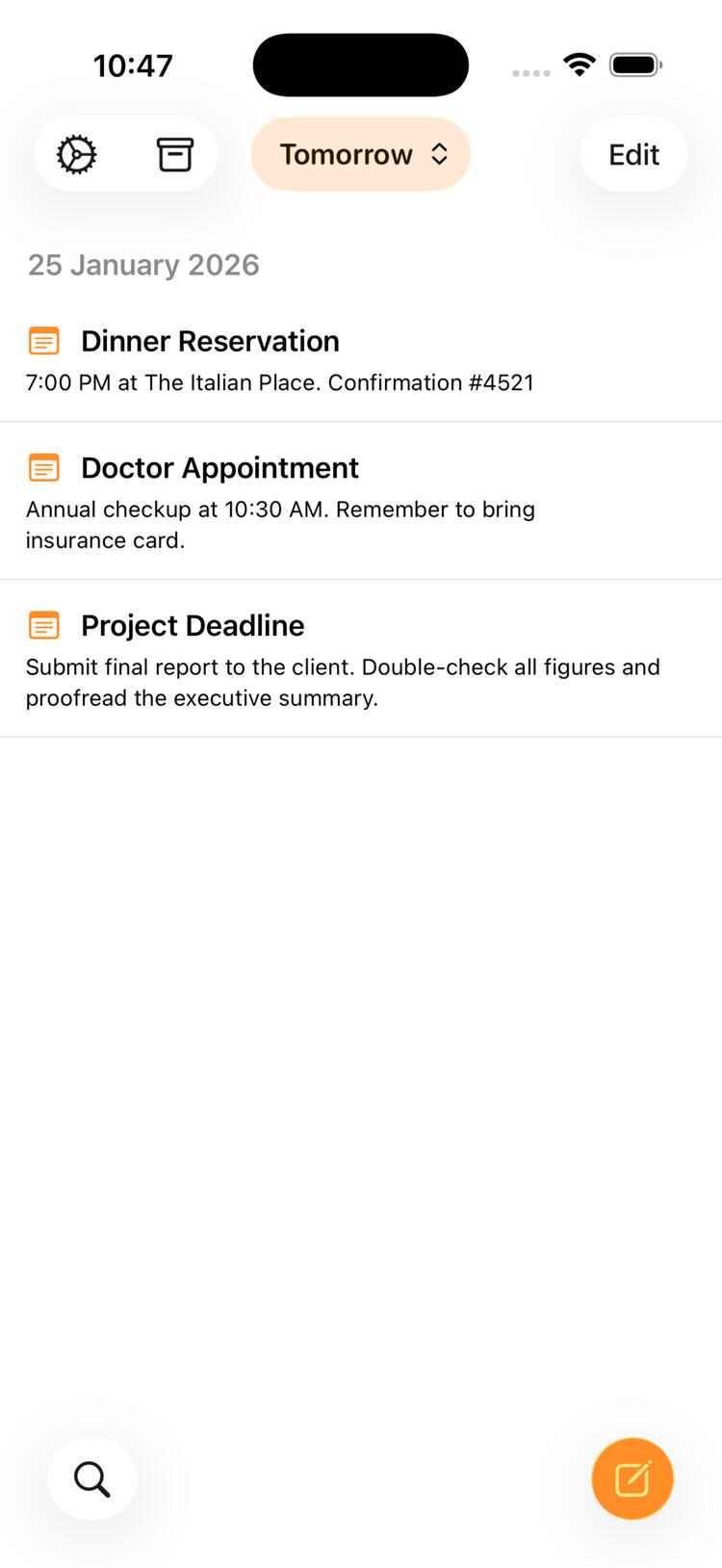
Tomorrow becomes Today automatically. Plan ahead without building a backlog; when the day arrives your notes are already there.
Automatic Archiving
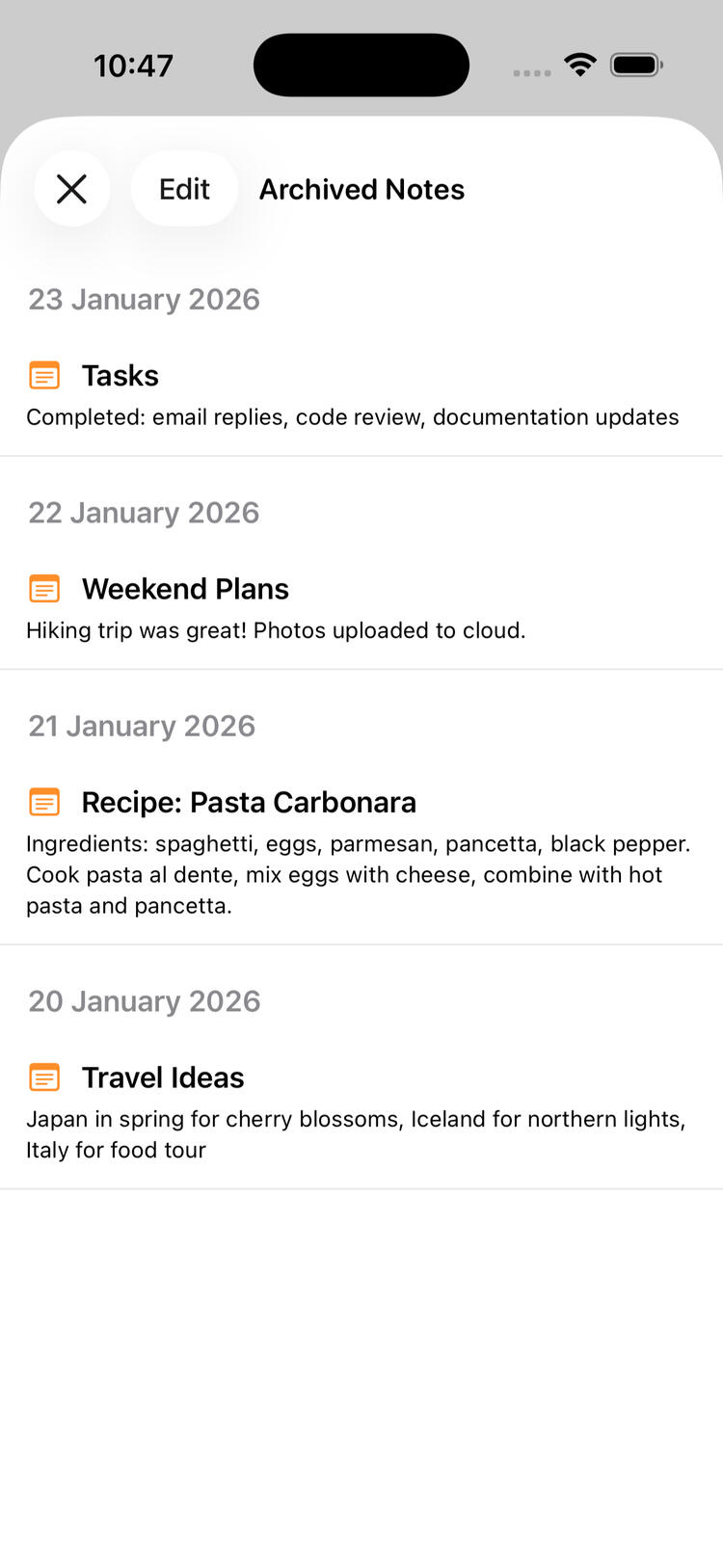
Automatic archiving. Notes from the past roll off on their own, keeping your workspace uncluttered.
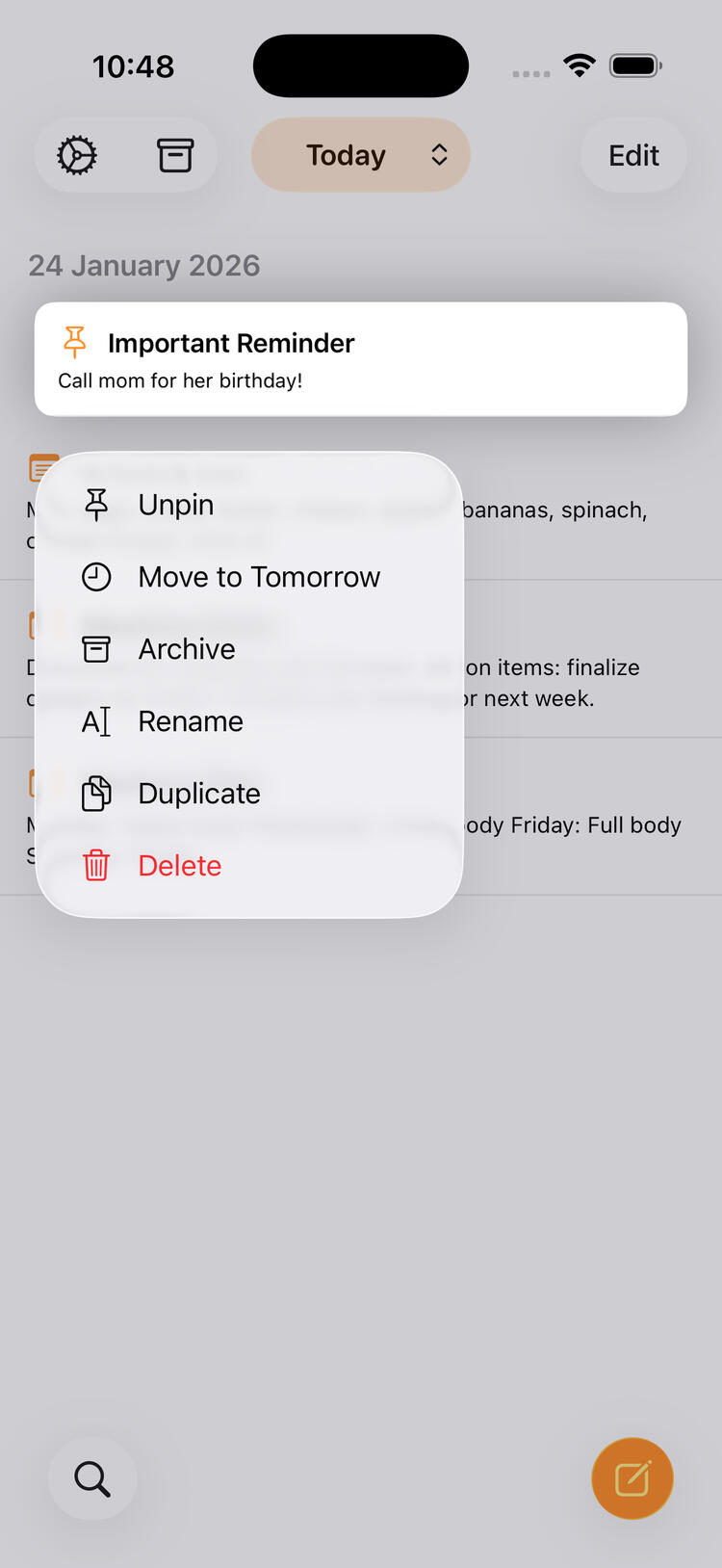
Pin Notes
Pin what shouldn’t move. Keep important notes visible until you decide otherwise.
Clutter-Free Notes
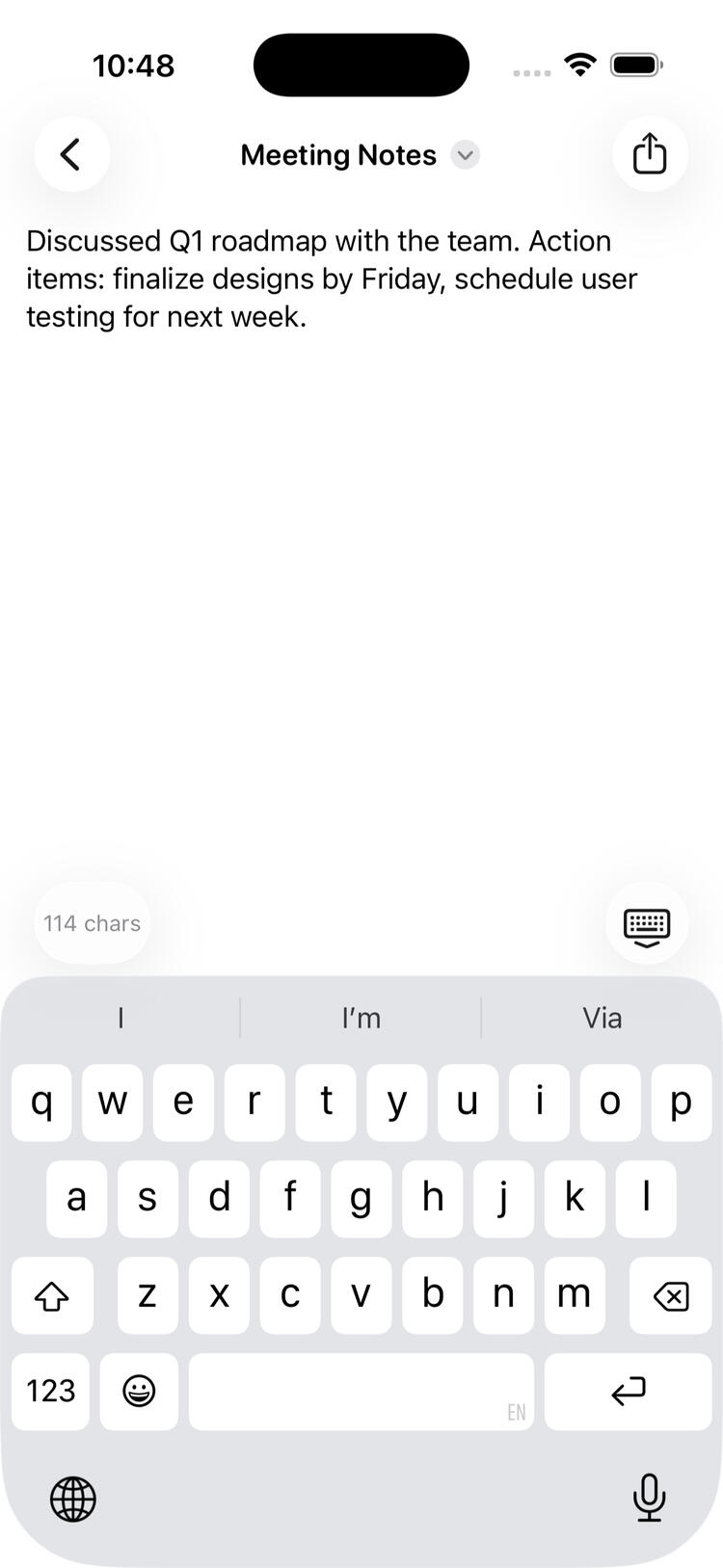
Your notes use plain text for simplicity and stay up to date across all your devices with built-in iCloud syncing, automatically.
Contact Support
Do you have questions, feedback, or would like to report an issue with Today Notes?
Today Notes
Frequently Asked Questions
FAQs were last updated: 2026-01-24What are the requirements to use Today Notes?
Today Notes requires iOS/iPadOS/macOS 26 or greater.How much does Today Notes cost?
Today Notes is free to download, but it does require a purchase to access the app. There are no subscriptions. A 30-day trial is available that can only be activated once with a free in-app purchase. After the trial, you can continue to access the app via a one-time in-app purchase for $19.99 USD, or the equivalent price of your region. This one-time purchase unlocks both iOS and macOS versions of the app.I already used my free trial. Can I get another?
Sorry, there can only be one free trial per Apple account when unlocking with the free in-app purchase. This is why the free trial is generous at 30 days. You can use a different Apple account to get another free trial, but this is not properly supported.Can I disable iCloud syncing?
Yes, go to the app's Settings and navigate to iCloud Sync to turn it off. It will require an app restart for it to take effect.I have a question that's not listed here.
Contact support for more help :)
Today Notes
Privacy Policy
Today Notes' Privacy Policy
Last updated: 2026-01-24Briefly - Your privacy is super important. Your notes never leave the app outside of syncing with iCloud or if you explicitly share them. No personally-identifiable information is collected or used. In-app purchases are processed and activated with help from RevenueCat.Not so briefly -1. No personally-identifiable information is ever sent outside the app to any third-party services.2. Your notes are your own. All notes are never sent outside the app or processed in any way, other than when syncing with iCloud or if you choose to explicitly share them via the Share Sheet.3. RevenueCat is used to help process in-app purchases and activate functionality associated to those purchases.4. We have no responsibility or liability for the content or activities of these third-party services. These third-party services have their own privacy policies and user agreements.5. If you choose to contact support, your email is never shared with anyone else and is only used to reply to you.6. By using this app, you consent to this privacy policy.7. If this policy were to be changed at some point, this shall be reflected on the "Last updated" info at the top. For any questions, please use the contact form.